You don't need a $50,000 studio to record a mixtape that competes — you need the right five pieces of gear in the right order, and a plan for what happens after you hit record. Here's the best audio recording setup for a home studio in 2026, ranked by who it actually works for.
- The Hybrid Record-and-Send Setup wins overall — record vocals at home, send stems out for mixing and mastering.
- The Interface + XLR Condenser Setup is best for freestyle rappers and cypher recording where speed matters.
- The DIY Bedroom Vocal Setup is the best budget option for a first-time home studio rapper.
- Skip all-in-one USB mics for a full mixtape — XLR input separation and gain control matter once you're recording 10+ tracks.
- Acoustic treatment beats a gear upgrade almost every time an untreated room is the real problem.
Why this matters
Most independent rappers blow their budget on a mic before fixing their room, then wonder why the vocal still sounds thin next to a commercial track. The best audio recording setup for a home studio isn't one magic mic — it's a chain: room, mic, interface, monitoring, and a workflow for what happens to the file after you record it.
Get that chain wrong and even a great verse gets buried under room reflections and clipped gain. Louie The Producer sees this constantly — artists send in vocals that were performed well but recorded badly, and no plugin fully undoes that. Fix the setup first. Fix the take second.
What makes the best home studio setup
- Room control — a treated or semi-treated space kills reflections before they hit the mic
- Mic type and pattern — cardioid condenser or dynamic, matched to the room and the voice
- Clean gain staging — an audio interface with real preamps, not a laptop's built-in input
- Monitoring — closed-back headphones you can actually judge a take through
- A post-production path — a plan for mixing and mastering once the vocal is tracked
- Workflow speed — how fast you can go from idea to a recorded take without breaking momentum
Home studio setups at a glance
| Setup | Best For | Standout Feature | Key Limitation |
|---|---|---|---|
| Hybrid Record-and-Send Setup | Artists who want release-ready sound without building a full studio | Records vocals at home, sends stems to a pro for mixing and mastering | Requires a decent mic and interface to give the engineer clean material |
| Interface + XLR Condenser Setup | Freestyle rappers and cypher sessions | Fast gain control, low latency monitoring | Still needs room treatment to sound clean |
| Treated Home Booth Setup | Consistent mixtape recording | Kills reflections without a dedicated room build | Takes real setup time and space you may not have |
| DIY Bedroom Vocal Setup | First-time home studio rappers on a tight setup | Lowest barrier to entry, records a usable take today | Limited gain control and no room isolation |
| Full Pre-Production Rig | Artists producing their own beats and drafting before final vocal takes | Combines a MIDI controller, DAW, and vocal chain in one workflow | Overkill if you're only recording vocals over purchased beats |
1. Hybrid Record-and-Send Setup: best home studio setup for release-ready sound
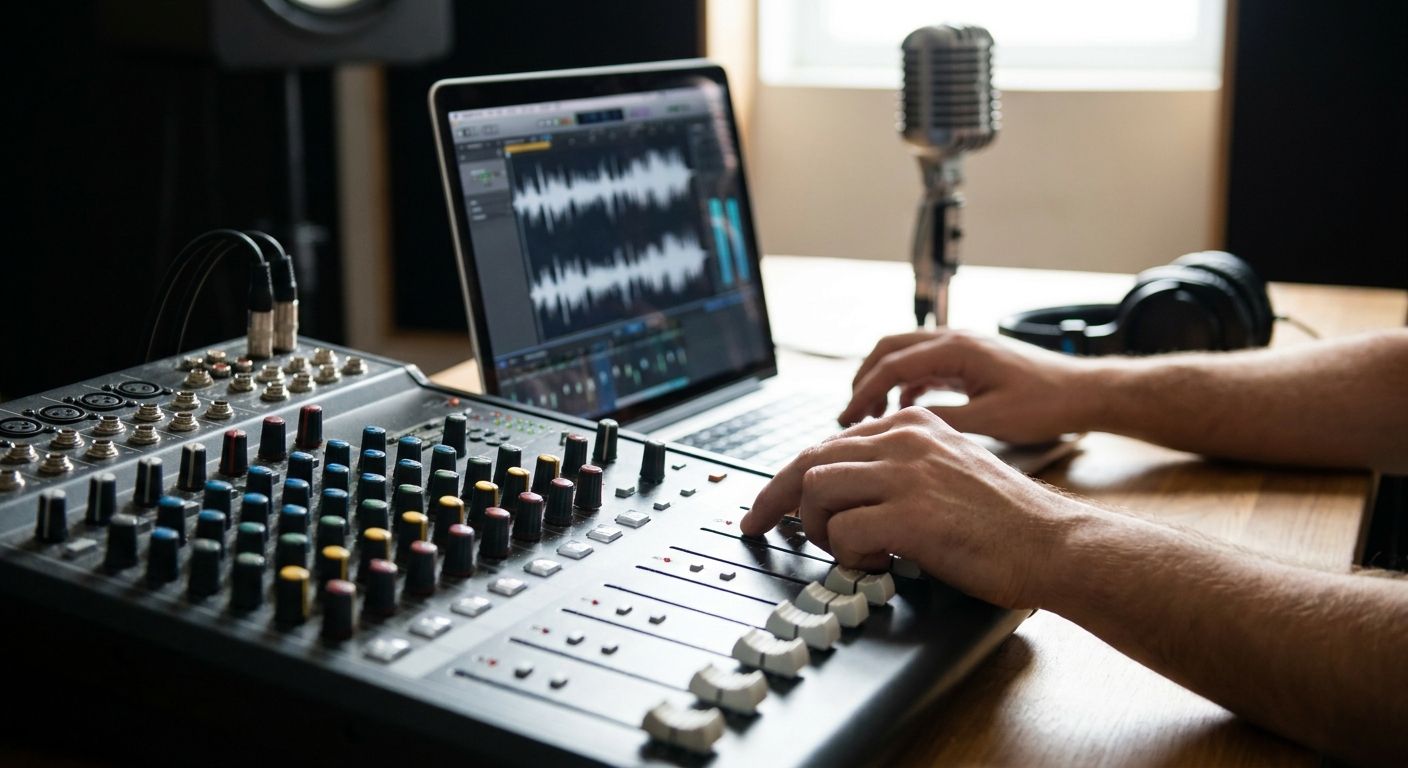
This setup is simple: track your vocals at home on a solid mic and interface, then send the raw stems to an engineer for mixing and mastering instead of trying to master your own record. It's the setup most independent rappers land on in 2026 once they realize recording and mixing are different skills.
You keep full control of your performance and your schedule, and you skip the years it takes to learn mixing on your own ears. Louie The Producer's mixing and mastering for home studio rappers exists for exactly this workflow — you record, someone else finishes the sound.
Hybrid Record-and-Send Setup pros:
- Frees you to focus on performance instead of engineering
- Gets a mixtape or EP to release-ready loudness and clarity
- Scales with you — same workflow for one single or a full album
Hybrid Record-and-Send Setup cons:
- You still need a clean-enough home take for the engineer to work with
- Turnaround depends on whoever you're sending stems to
- Doesn't teach you mixing skills if that's a goal
Best for: artists prioritizing a finished, competitive-sounding record over doing everything themselves. Verdict: Buy.
2. Interface + XLR Condenser Setup: best home studio setup for freestyle and cypher recording
An audio interface with two XLR inputs and a large-diaphragm cardioid condenser mic is the workhorse combo for anyone recording freestyles, cyphers, or fast idea captures. Gain staging on a real interface beats a USB mic's fixed input every time you need to catch a take on the fly.
This setup rewards speed — plug in, set your gain around -18dBFS on the meter, and go. It's the setup behind most audio recording sessions for freestyle rap artists, where the goal is capturing energy, not chasing perfection.
Interface + XLR Condenser Setup pros:
- Real gain control instead of a fixed USB level
- Low-latency monitoring through the interface, not your laptop
- Upgradeable — swap mics or preamps without replacing the whole chain
Interface + XLR Condenser Setup cons:
- Still picks up room noise if you skip treatment
- More cables and setup than a plug-and-play USB mic
- Condenser mics are sensitive to plosives without a pop filter
Best for: rappers who record fast, frequently, and off the cuff. Verdict: Buy.
3. Treated Home Booth Setup: best home studio setup for consistent mixtape recording
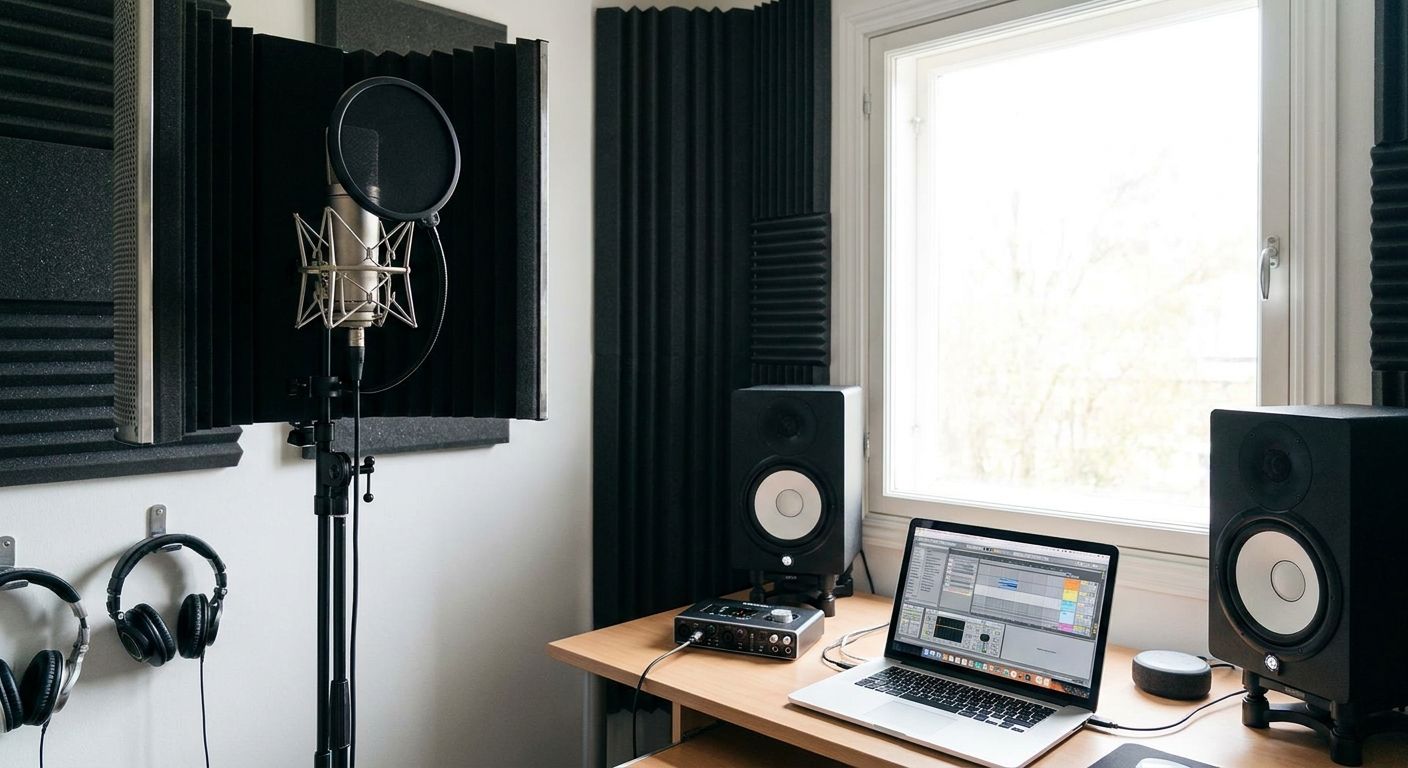
This is the setup for artists recording a full mixtape or album across weeks or months and needing every vocal to sound like it came from the same session. Foam panels, a reflection filter, and even a closet lined with moving blankets can tighten a room enough to stop the boxy, echoey sound untreated rooms produce.
Consistency is the whole point here — a listener notices when track 4 sounds different from track 9 far more than they notice a slightly better mic.
Treated Home Booth Setup pros:
- Every session sounds like the same room, which matters across a full project
- Cuts reflections without a professional studio build
- Works with almost any mic you already own
Treated Home Booth Setup cons:
- Takes real time and floor space to set up properly
- Doesn't fix a bad mic or a weak interface
- Foam alone won't stop low-frequency rumble from outside the room
Best for: artists recording a full mixtape or EP over multiple sessions. Verdict: Buy.
4. DIY Bedroom Vocal Setup: best budget home studio setup for a first recording
A USB condenser mic, a laptop, and free DAW software is the fastest path from zero to a recorded verse. It won't compete with a treated room and a real interface, but it gets a first track down without a big setup investment, which matters when the goal is just getting a verse out.
This setup is a starting point, not a destination — most artists outgrow it within a few sessions once they hear the room noise on playback.
DIY Bedroom Vocal Setup pros:
- Lowest barrier to entry of any setup on this list
- Plug-and-play — no interface or extra cables needed
- Good enough for demos, reference vocals, and social clips
DIY Bedroom Vocal Setup cons:
- Fixed gain control means less flexibility on louder or softer takes
- No room isolation, so background noise bleeds into every take
- Limited upgrade path since USB mics don't pair with separate interfaces
Best for: first-time home studio rappers testing whether recording is worth investing in. Verdict: Hold until you're recording regularly enough to justify an interface upgrade.
5. Full Pre-Production Rig: best home studio setup for artist-producers
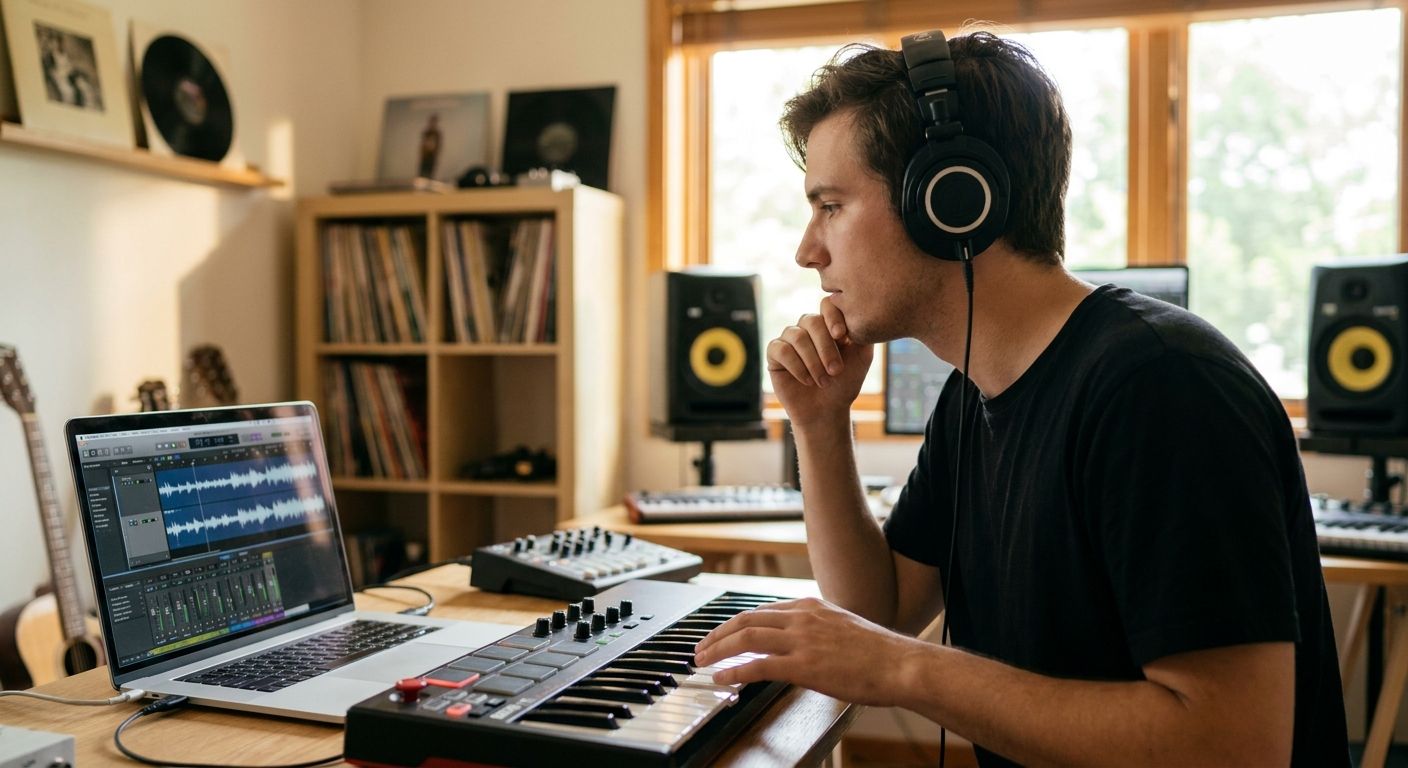
Some rappers are also building their own beats, which means the setup needs a MIDI controller and a full DAW workflow alongside the vocal chain, not just a mic and interface. This rig supports drafting a beat idea, laying a scratch vocal, and refining the arrangement before a final take ever gets recorded.
It's a bigger commitment in gear and learning curve, and it's the wrong call if you're only recording vocals over beats you bought or licensed — that's added complexity you don't need.
Full Pre-Production Rig pros:
- One workflow covers beat-making and vocal tracking
- Lets you draft arrangement ideas before committing to a final vocal take
- Useful long-term if production is part of your career plan, not just rapping
Full Pre-Production Rig cons:
- Steeper learning curve than a vocal-only setup
- Overkill if you're recording over purchased or leased beats
- More gear means more that can go wrong mid-session
Best for: artists who write, produce, and record their own material end to end. Verdict: Wait unless production is already part of your workflow.
“If your booth still sounds like a bathroom, no plugin fixes that before you hit record.”
How this list was ranked
Each setup was ranked against the six criteria above — room control, mic and pattern, gain staging, monitoring, a post-production path, and workflow speed. Setups that skip room control or a plan for mixing lose points fast, because those two gaps show up in every finished track regardless of mic quality. The best custom production packages for a rap EP follow the same logic — the recording chain only matters as much as what happens to the file afterward.
Skip the mixing learning curve
Record at home, send your stems out, get a release-ready master.
Which home studio setup should you choose?
If you're recording a mixtape or EP in 2026 and want it to sound competitive without spending years learning to engineer, the Hybrid Record-and-Send Setup is the default pick — record clean at home, send it out to finish. If you're catching freestyles and cyphers on the fly, the Interface + XLR Condenser Setup earns its spot. Everyone else starts with the DIY Bedroom Vocal Setup and upgrades once the room noise starts bothering you on playback.
FAQ
What's the best audio recording setup for a home studio in 2026?
For most independent rappers, it's a large-diaphragm condenser mic paired with a two-input XLR interface and basic room treatment, then sending stems out for mixing and mastering. That hybrid approach beats trying to record and mix everything yourself.
Is a USB mic good enough to record a mixtape?
A USB mic works for demos and social clips but limits gain control and upgrade paths across a full mixtape. Once you're recording 10 or more tracks, an XLR mic and interface give more consistent results.
How much does home studio recording gear cost?
Costs vary widely by mic, interface, and treatment level, so check current pricing directly with retailers or your producer before budgeting. The gear tier that matters most is matching your setup to how often you actually record.
Do I need acoustic treatment to record vocals at home?
Yes, if you're recording more than a few tracks — untreated rooms add reflections that show up on every take regardless of mic quality. Foam panels, a reflection filter, or even a closet with blankets can noticeably tighten the sound.
Should I mix my own vocals or send them to an engineer?
Sending stems to an engineer usually gets a faster, more consistent result than self-mixing while you're still learning the recording side. Many home studio rappers record at home and outsource mixing and mastering as the hybrid approach.
What audio interface do I need for rap vocals?
Look for an interface with at least one clean XLR preamp input and low-latency monitoring so you can hear yourself without delay while tracking. Two inputs give room to add a second mic later without replacing the interface.
Can I record a full album with just a bedroom setup?
You can, but consistency across sessions is harder without room treatment and a real interface. A treated home booth setup closes that gap for a multi-track project like a mixtape or EP.
What's the difference between recording at home and using a professional studio?
A home setup gives you unlimited time and lower pressure, while a professional studio gives you a treated room and engineer support built in. The hybrid setup splits the difference — record at home, finish the sound with a pro.
One last thing
Gain staging quietly ruins more home recordings than bad mics do — a vocal peaking past -6dBFS on the way in clips before it ever reaches a mixer's hands, and no amount of mastering in 2026 brings that back. Set your gain conservatively, leave headroom, and let the mix engineer add loudness later instead of baking distortion into the take.